
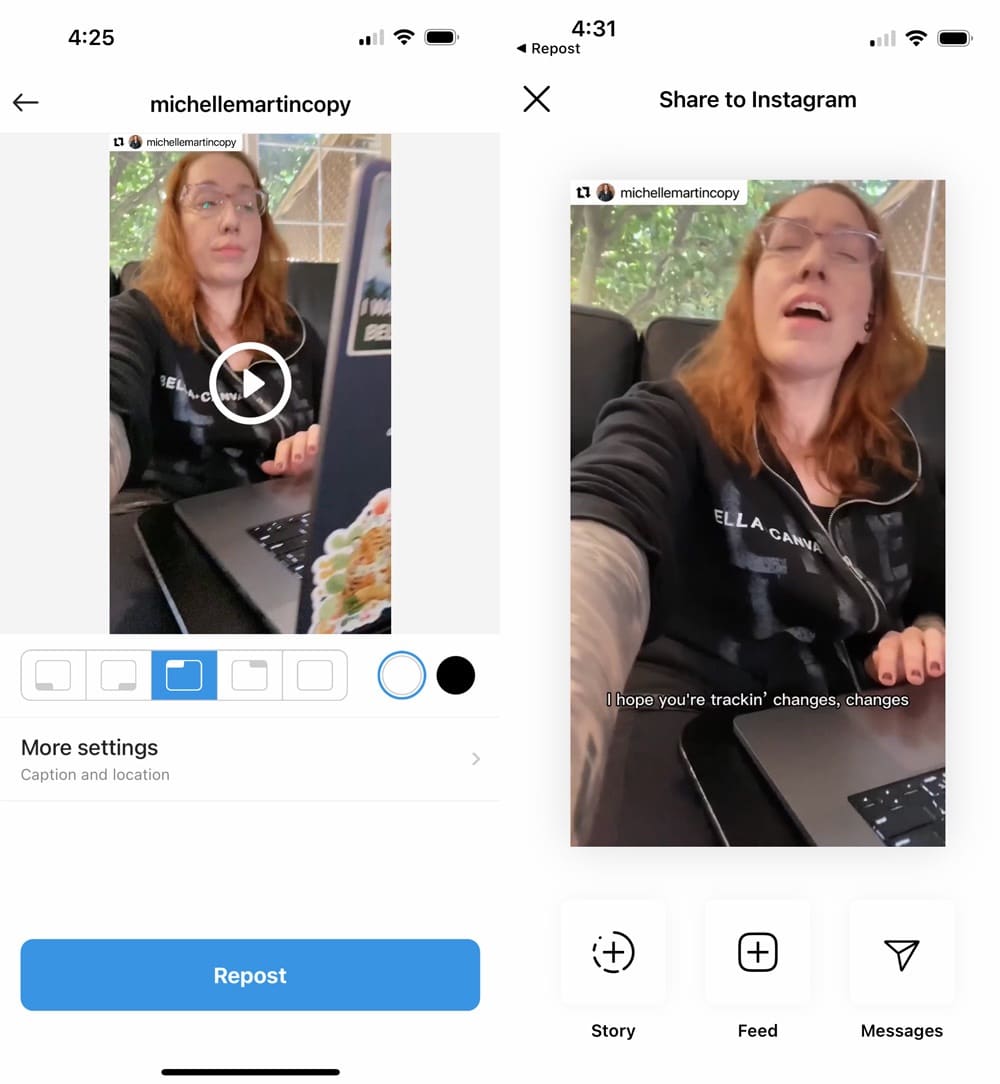
How to Repost Reels on Instagram: A Comprehensive Guide
Reposting content on Instagram, especially Reels, can be a fantastic way to curate engaging content and enhance your profile’s aesthetics. Whether it’s a funny video, an inspiring clip, or anything that resonates with your audience, reposting Reels can help you connect with your followers better. In this guide, we will explore various methods on how to repost reels on instagram, ensuring you do so ethically and efficiently.
Understanding Instagram Reels
Instagram Reels is a feature that allows users to create and share 15 to 90-second videos set to music or other audio clips. This forma
t has gained enormous popularity as it offers creative flexibility and a platform for virality. However, with great content comes the desire to share it, leading many users to seek ways to repost Reels.
Why You Should Repost Reels
Reposting Reels can benefit your Instagram presence in several ways:
- Increase Engagement: Sharing engaging content can help keep your followers interested and active.
- Build Community: By sharing content from other users, you foster a sense of community and connection.
- Enhance Content Variety: Reposting allows you to supplement your content without creating everything from scratch.
How to Repost Reels on Instagram
Method 1: Use the Instagram Built-in Share Feature
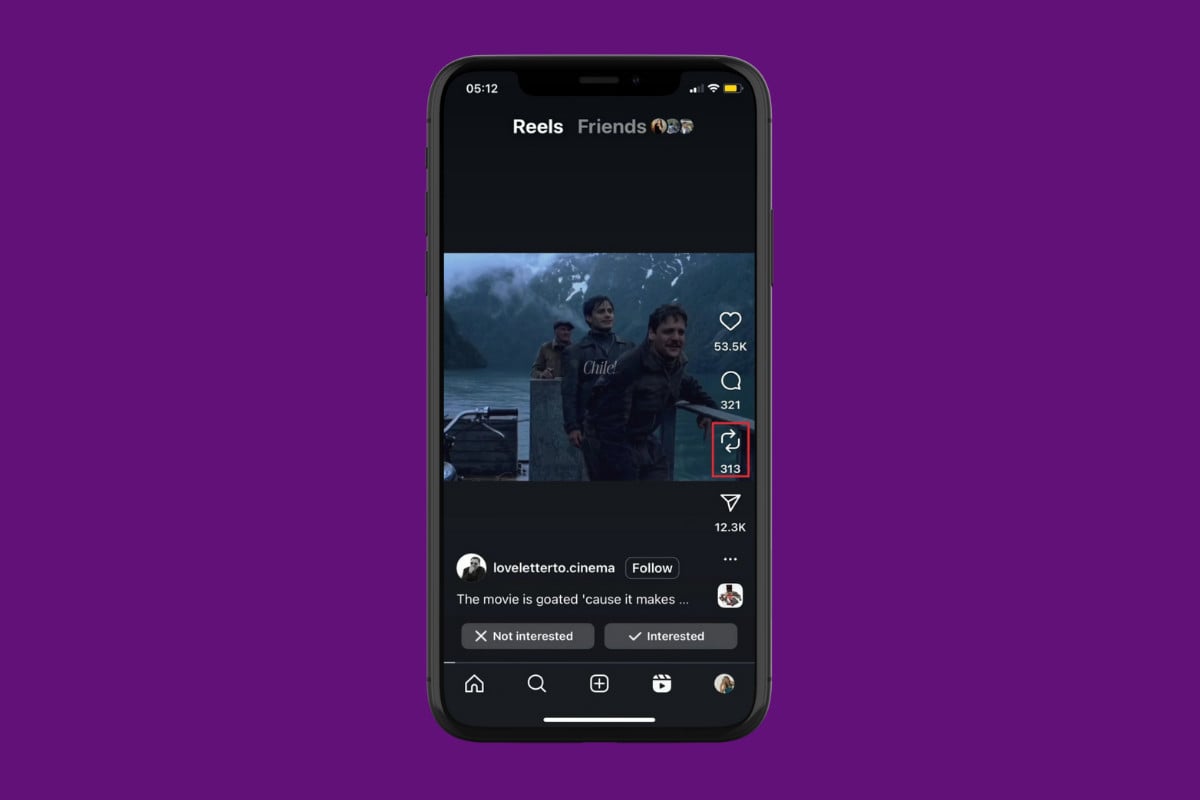
This is the simplest way to repost Reels, as Instagram allows users to share Reels directly to their stories. Here’s how:
- Open the Instagram app and find the Reel you wish to repost.
- Tap on the paper airplane icon below the Reel.
- Select “Add Reel to Your Story.”
- Customize your story with stickers, text, or music.
- Post your story, ensuring to tag the original creator if necessary.
Method 2: Third-Party Apps
For those who want to repost Reels directly to their feed, third-party apps can help. Here are some popular choices:
- Repost for Instagram: This app allows users to copy Reels while giving credit to the original creator.
- InstaStory: Perfect for downloading and reposting Instagram Stories and Reels.
- Regrammer: A user-friendly app designed to save and repost media on Instagram.
To use these apps, simply copy the link of the Reel you want to repost (by tapping the three dots on the Reel) and paste it into the third-party app following the prompts to download and repost.
Method 3: Screen Recording
If you prefer to avoid third-party apps, consider using the screen recording feature on your phone. Here’s how:
- Enable screen recording on your device (usually found in settings).
- Open the Instagram Reel you want to repost.
- Start the screen recording and play the Reel.
- Stop the recording when the video is finished.
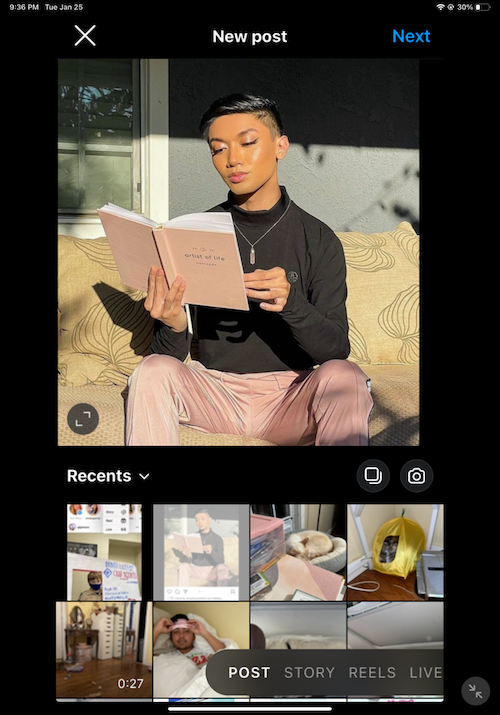
- Edit the video if necessary, then upload it to your Instagram feed. Make sure to give credit to the original creator in the caption.
Ethical Considerations When Reposting
When reposting Reels, it is essential to respect copyright and the original creator’s rights. Always ensure you credit the creator by tagging them in your post or story. Additionally, avoid reposting content that is not yours without proper acknowledgment, as it may lead to plagiarism issues and harm your reputation on the platform.
Best Practices for Reposting Reels
To maximize your reposting efforts, keep the following best practices in mind:
- Choose Relevant Content: Share Reels that align with your brand and audience interests.
- Engage with the Original Creator: Comment or like their posts to foster goodwill.
- Include a Personal Touch: Add your insights or thoughts in the caption to engage your audience better.
- Monitor Your Analytics: Track engagement levels on reposted content to see what resonates.
Conclusion
Reposting Reels on Instagram can be an excellent strategy to enhance your engagement and build a community around your content. Whether you choose to use Instagram’s built-in features, third-party apps, or screen recording, always respect copyright and acknowledge original creators. By following the methods and best practices outlined above, you can successfully repost Reels while contributing positively to the vibrant Instagram community.